

Windows CAD. Works offline.Describe it, refine it, print it.
Windows first — macOS and Linux planned.
What CoCAD is
CoCAD is a desktop CAD application for Microsoft Windows. It does parametric 3D modeling, sketching, sheet metal, drawings and exports, and it is designed so an AI assistant can drive it as a user: the assistant works through the same commands you do, on the same model. CoCAD is made by CoCAD LLC and sold through Paddle, our reseller and merchant of record.
- Parametric 3D modeling on a real B-rep kernel, with a history you can edit.
- Sketching with dimensions and constraints.
- Sheet metal parts.
- Drawings of your parts.
- Exports to standard CAD and print formats.
- AI-drivable: connect your own AI assistant and it can build and change the model with you.
Why CoCAD

Works offline.
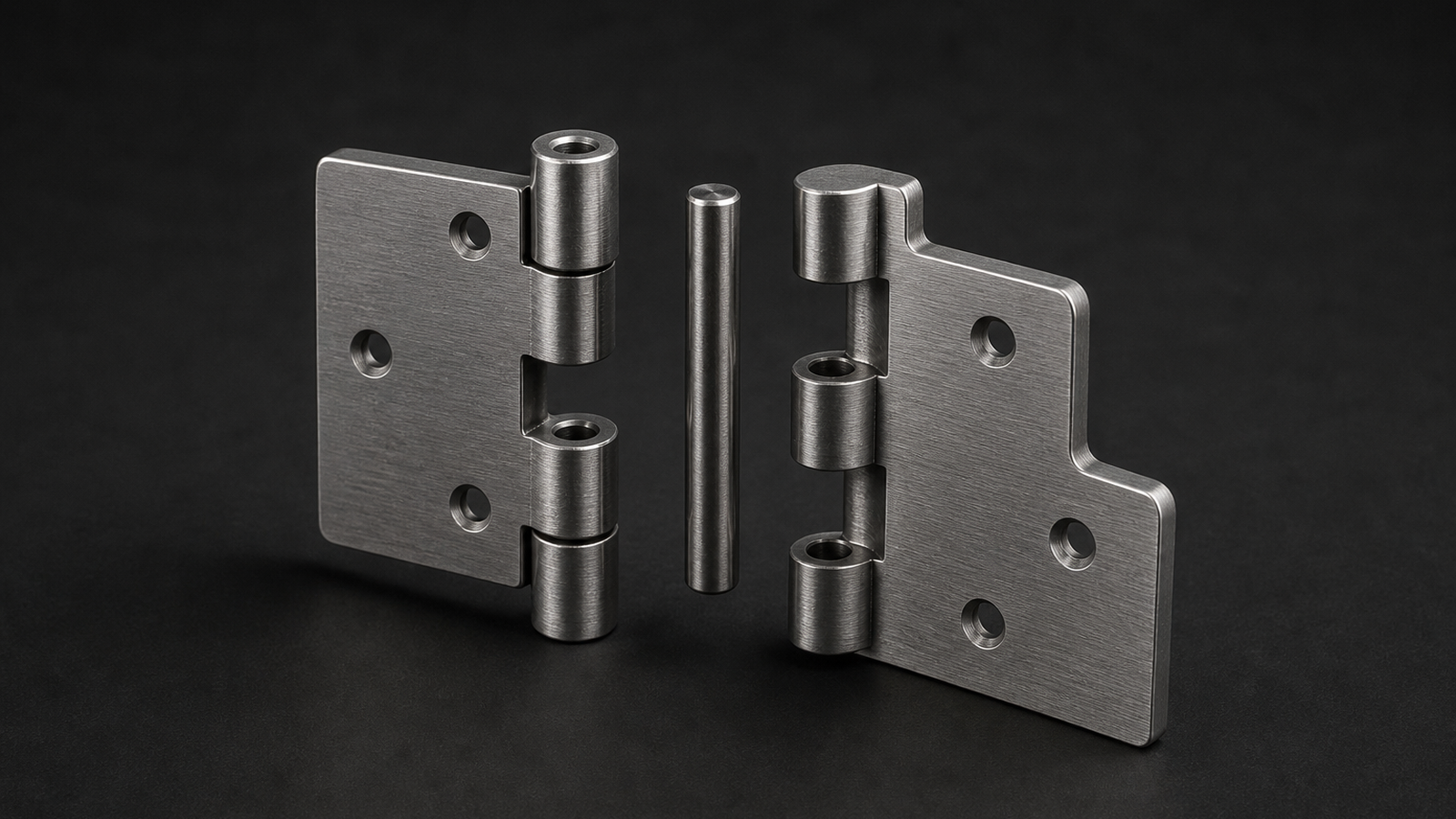
Assemblies (parts, joints, exploded picture).
Questions people ask first
What is CoCAD?
A parametric CAD application for Windows with a real B-rep kernel, built so that an AI assistant and a human can work on the same model at the same time — the AI through a command interface, you through the mouse, both editing one history tree.
When can I use it?
Checkout is not open yet. When it opens, you buy on the pricing page and download the Windows installer. The newsletter will say when it opens. Subscribing does not reserve anything.
Which platforms?
Windows first. macOS and Linux are planned, not promised — the kernel is portable, but a date we cannot keep is worse than no date.
How is it priced?
One license, paid once, with your first Download Year of updates included. There is no subscription and nothing renews by itself. The prices are on the pricing page.Nothing is sold yet: checkout is not open. The newsletter is free.
Who makes it?
CoCAD LLC, a Minnesota company. One person is building it so an AI and a human can drive the same model. That is why CoCAD exists.